Voting
Chairs can run a vote in one of three ways. Which one you experience depends entirely on what the chair starts. CHASE doesn't change what's physically expected of you for the first two, but it drives the process for the third.
Show of hands
The traditional placard vote: the chair calls for votes in favor, against, and abstaining, and counts raised placards/hands in the room. CHASE shows the tally and result on the presentation screen as the chair records it. There's nothing to do on your own device for this vote type.
Roll call vote
The chair calls each delegation by name in turn, and you answer with your vote when called (verbally or with your placard, per your committee's procedure). As with show-of-hands, this happens in the room. CHASE records each delegation's vote as the chair enters it and shows the running results on the presentation screen.
Device-based vote
For this vote type, you cast your vote directly from your own device:
- When the chair starts a device-based vote, a voting screen pops up on your committee dashboard. If you're on the Resolutions pages, tap Committee in the bottom bar to get to it.
- A countdown shows how much time you have to vote.
- Tap In Favor, Against, or (if abstentions are allowed for this vote) Abstain.
- Your choice counts immediately, but you can change it by tapping a different option before time runs out.
- When the countdown ends, your final choice is locked and you'll see "Your vote has been locked in." If you didn't vote in time, you'll see a note that no vote was cast.
Results stay hidden while the vote is in progress and are revealed once it ends, so you won't see the running tally as votes come in.
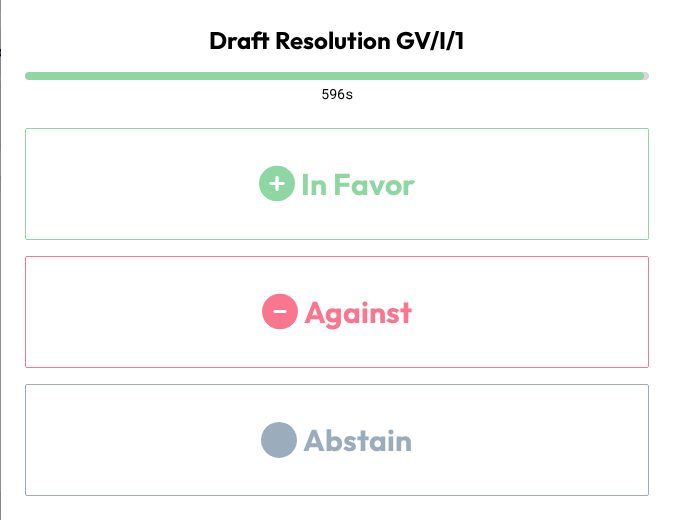
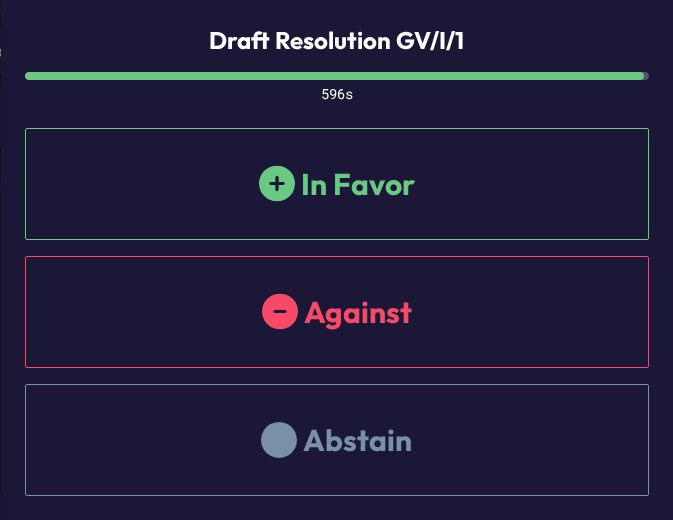
You must be a delegate who is marked present to get the voting screen. Spectators and non-state actors can't vote on their device.
Majorities
Whatever the vote type, results are measured against the majority thresholds shown on your dashboard (simple and two-thirds). See Committee Overview & Status for how those are calculated.