Presentation Mode
The presentation screen (opened with Alt+P or the Open Presentation View button on the Set up page) is meant for your room's projector. You don't manually switch between "views" on it. It's fully automatic, following whatever's currently happening in the committee:
- Roll call in progress: the scrolling country list.
- A vote running: the matching view for whichever vote type you started (show of hands, roll call, or device-based).
- A draft resolution set active: the whole screen switches to the resolution layout with status, agenda item, majorities, both speakers lists and the document preview. In the Amendment Phase and in Voting it highlights the current clause, and in the Amendment Phase it also shows the amendment you are presenting.
- Otherwise: the layout you chose, with status, majorities, the whiteboard and both speakers lists, plus (if enabled) regional group breakdowns.
- Finalizing a resolution with confetti: a celebratory animation.
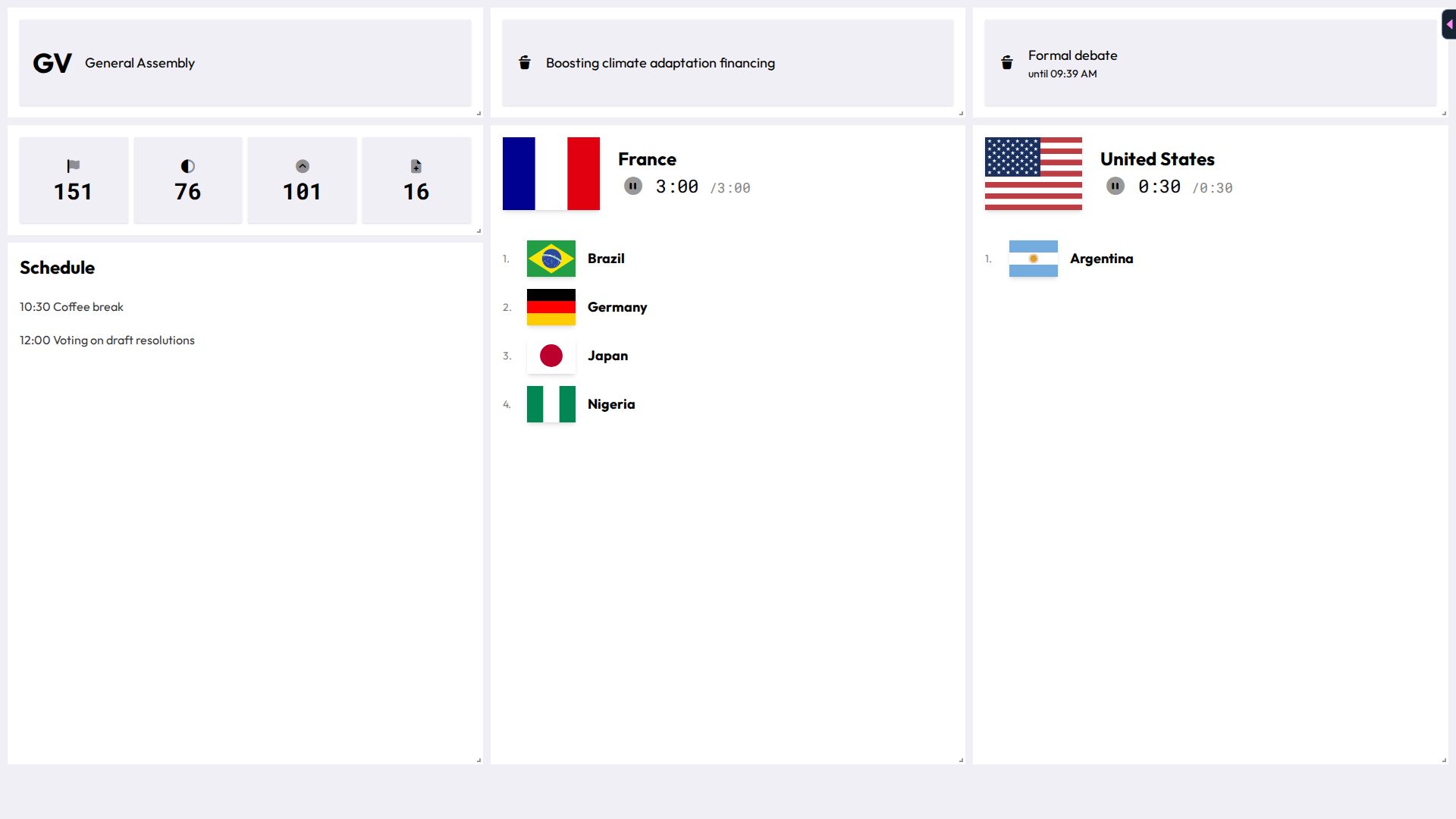
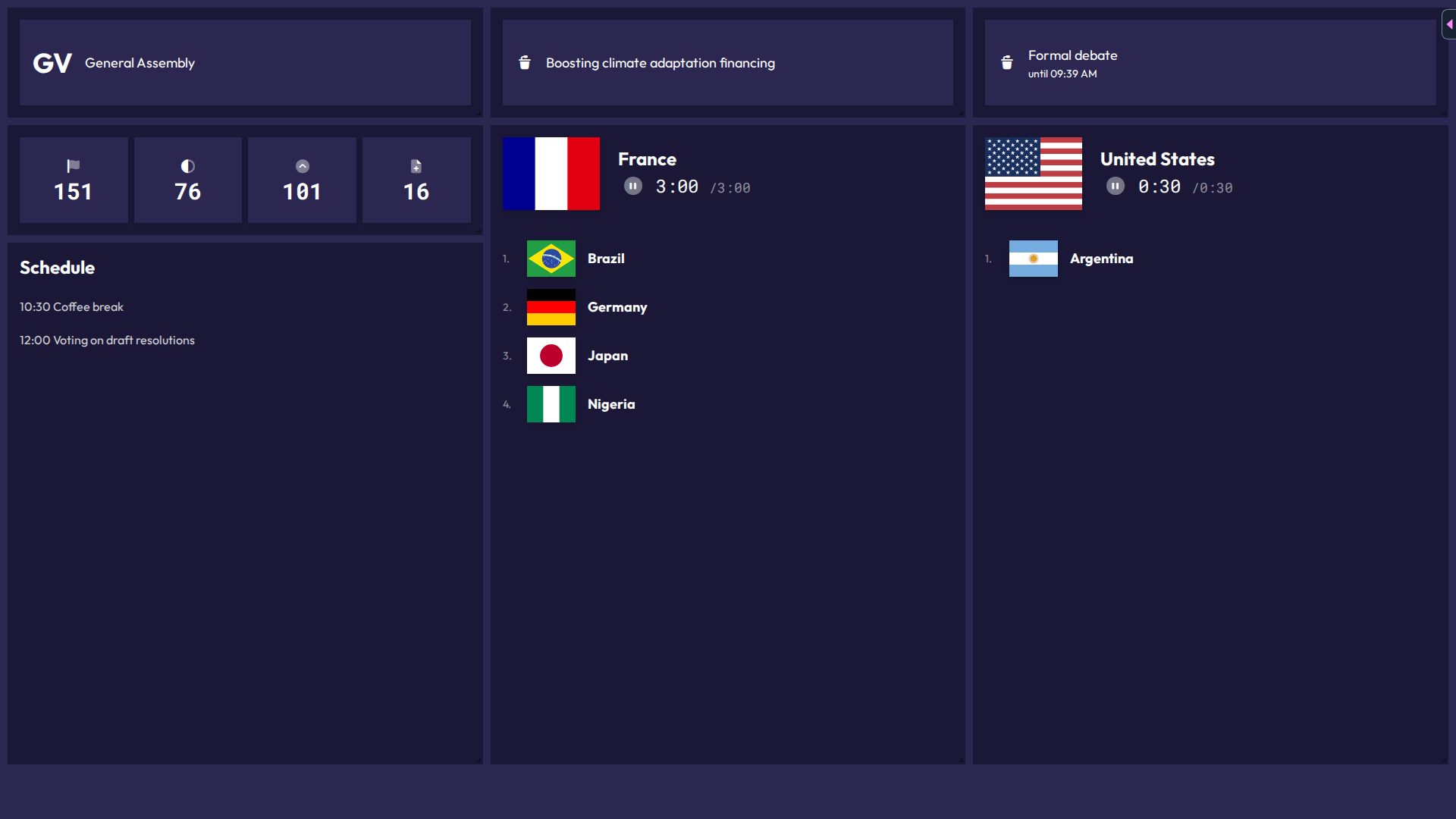
Runs the real page with demo data in your browser. Your changes stay on this device.Open in new tab
In short: everything you do elsewhere in the chair interface (starting a vote, presenting an amendment, editing the whiteboard) is what drives this screen. There's nothing to pick on the presentation screen itself. Requests are never shown on it.
Layout & sizing
From Committee Setup, you control:
- Layout: Default Layout or Layout for Small Screens, for different room displays. The small screen layout leaves out the committee title and agenda item. While a draft resolution is active, the resolution layout is used regardless of this choice.
- Base font size and resolution font size: two independent sliders, since resolution text often needs to be a different size than everything else.
- Display Regional Blocs: toggle whether regional-group breakdowns show up.