Users & Roles
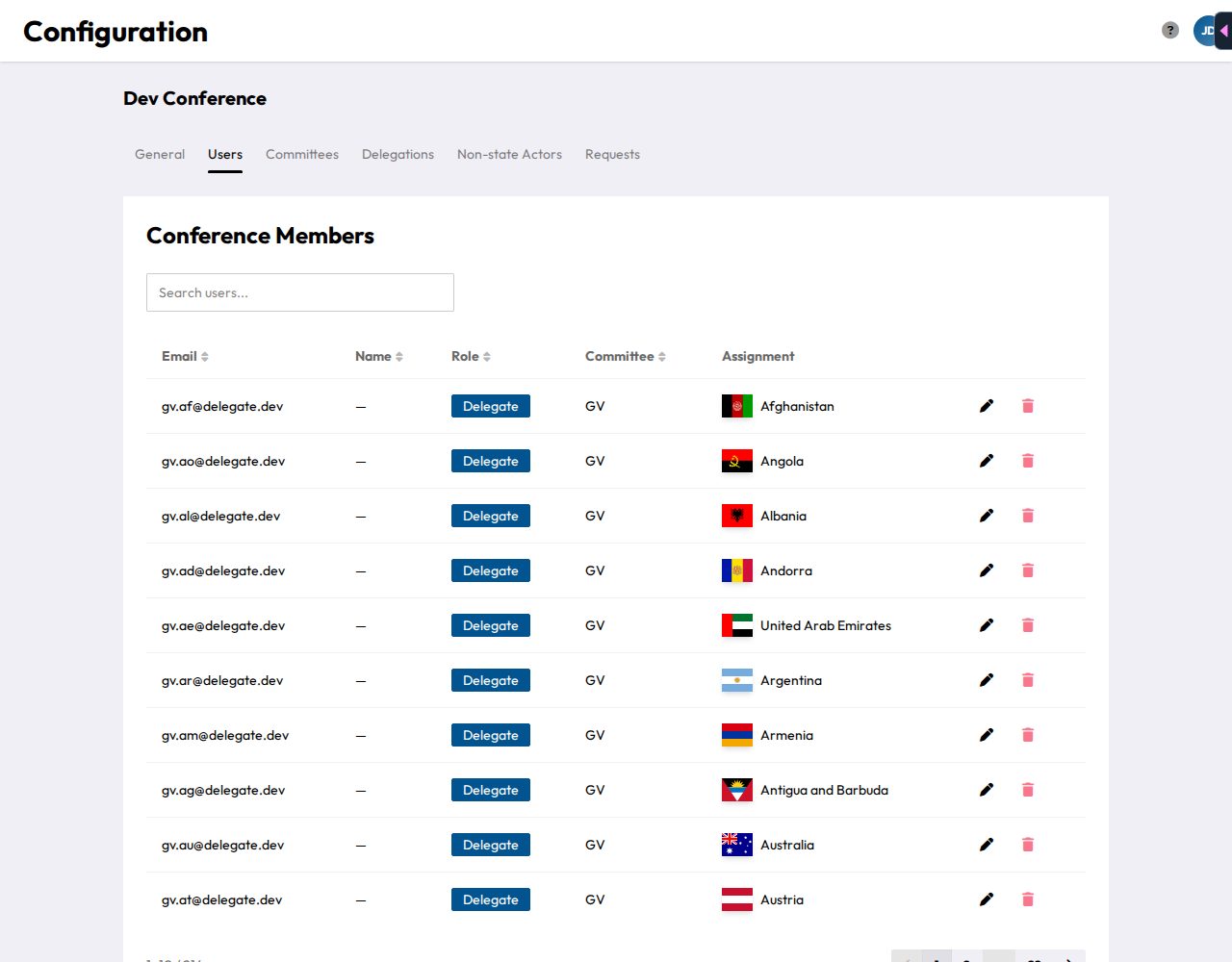
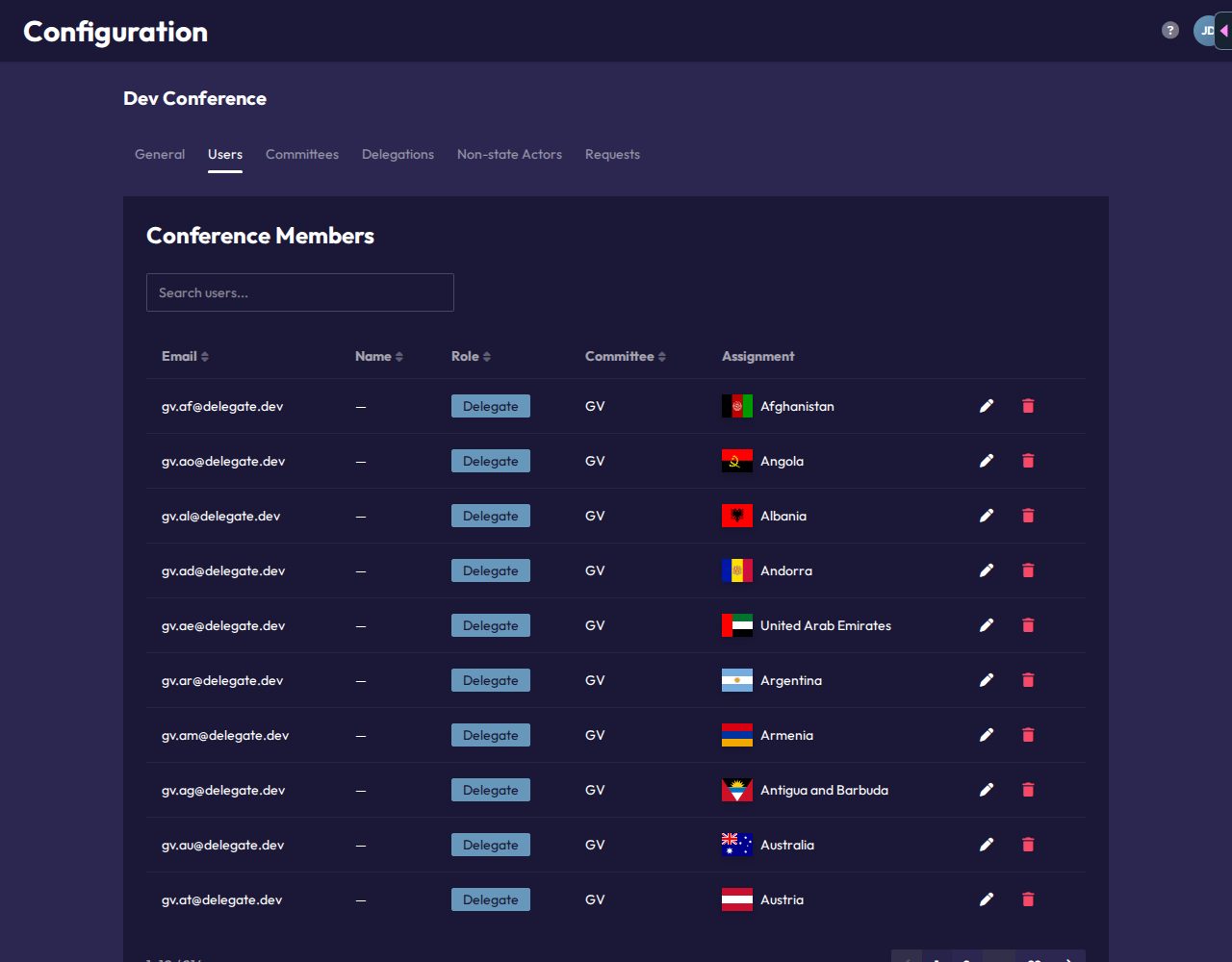
The Users tab lists everyone with access to the conference: email, name, role, committee, and (for Delegates and NSAs) their assignment. Use Search users... to filter by email, name, role, committee or assignment. Click a column header (Email, Name, Role, Committee) to sort. The list shows 10 people per page.
Available roles
| Role | What it grants |
|---|---|
| Admin | Full access to the conference, including Configuration. |
| Team Member | Chair access to every committee of the conference, plus Mission Control, Attendance and Statistics. |
| Delegate | Represents a specific delegation in one committee. |
| Non-state Actor | Represents an NSA or UN actor, conference-wide. |
| Spectator | Read-only committee access, no delegation. |
Each email address can hold exactly one role per conference. Adding an email that's already in the conference fails. To change someone's role, edit their existing entry.
Inviting people
Paste one or more email addresses (newline, comma, or semicolon separated) into the Add Member box, choose the Role to assign all of them (Team Member is preselected), and click Add Member. Each valid email becomes a conference user with that role. Invalid addresses are silently skipped, so double-check the list if fewer people show up than expected.
Assigning a delegation or NSA
Click the pencil icon on any user (you can't edit your own entry) to open Edit User. There you can:
- set a Name, which replaces the name from their login account in CHASE,
- change their Role,
- for Delegates, pick their seat under Committee Member, grouped by committee,
- for Non-state Actors, pick their NSA or UN actor under Conference Members.
Seats that are already taken show how many people are assigned, for example "(1 assigned)". Other roles need no assignment. Delegates and NSAs without one show as Unassigned in the table until you do this. Only Delegates have a committee, since NSAs move between committees.
Removing someone
The trash icon removes a user's access entirely (also disabled for your own entry). You'll be asked to confirm first.
The Users tab isn't available in the offline demo conference.