Running the Speakers List
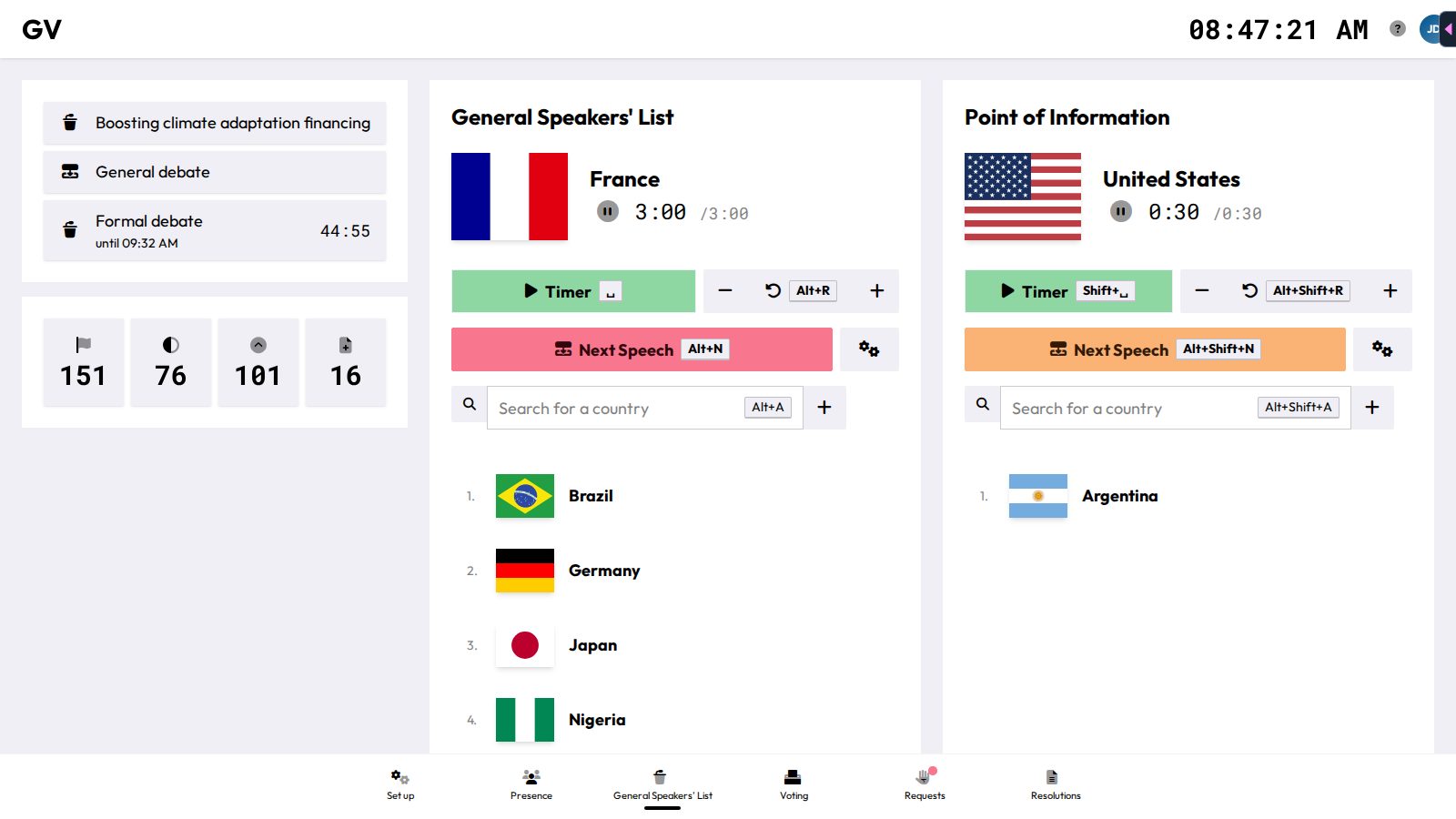
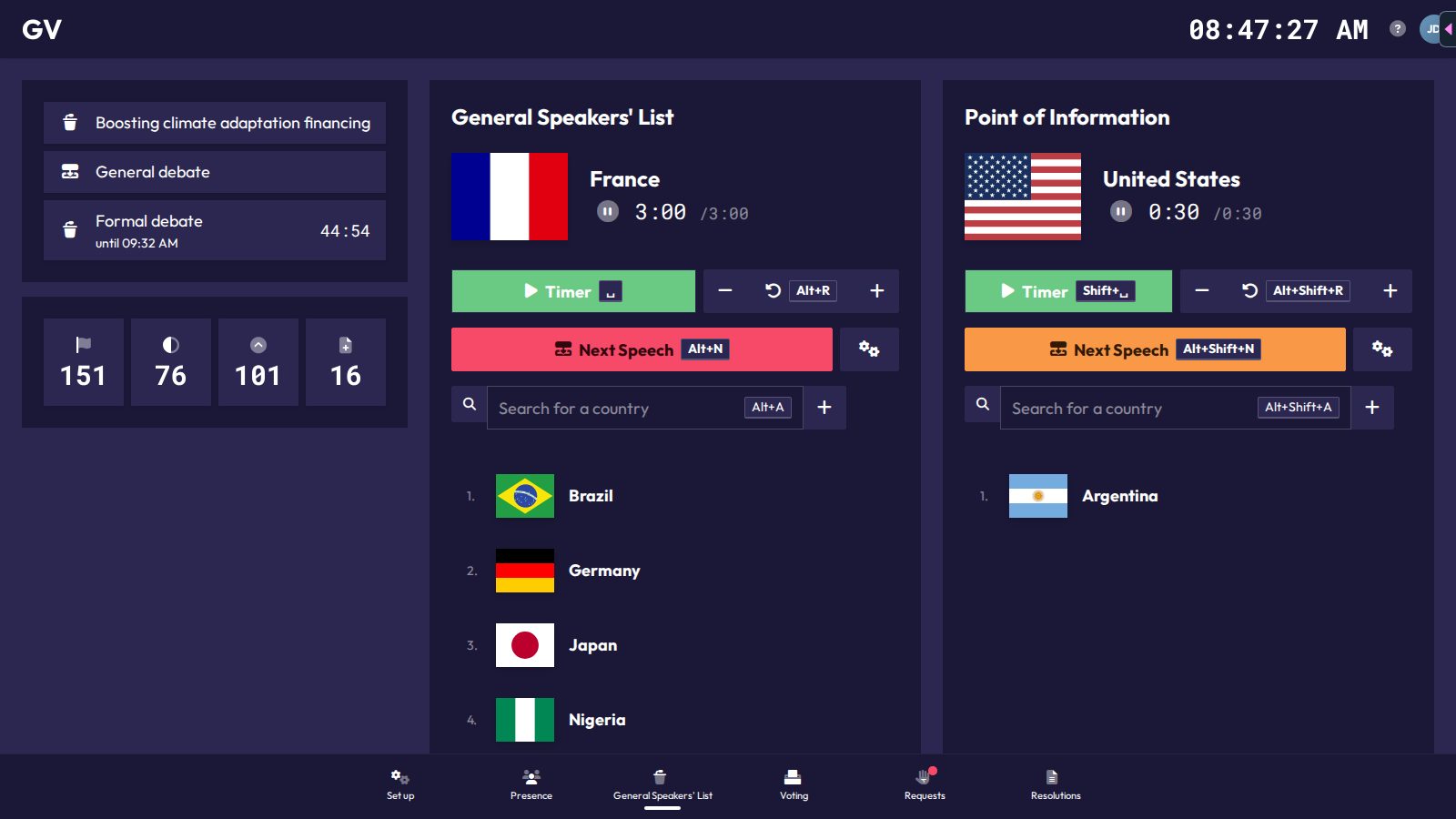
The General Speakers' List page (Alt+3) shows the General Speakers' List and the Point of Information queue side by side, each with the same controls. If no agenda item is active, you see "No agenda item active" with a Go to settings button instead.
Adding speakers
Type into the search box under the controls (Alt+A focuses it for the main list, Alt+Shift+A for Points of Information) to find delegations, NSAs, or UN actors by name. Press Enter or the + button to add the selection to the bottom of the queue. People already on the list don't show up in the search. Absent delegations are marked with a crossed-out person icon, but you can still add them.
Running the timer
- The big Timer button (Space for the main list, Shift+Space for Points of Information) starts and pauses the countdown for the current speaker. It only works while someone is on the list.
- The minus and plus buttons nudge the time down or up by 10 seconds.
- The reset button (Alt+R / Alt+Shift+R) puts the time back to the list's speaking time.
The two timers never run at the same time. Starting one stops the other. Starting the Point of Information timer also loads the Point of Information time onto the main timer, ready for the speaker's answer.
Advancing the queue
Next Speech (Alt+N / Alt+Shift+N) removes the current speaker and moves to the next one, resetting the timer. On the main list it always asks for confirmation first ("All remaining Points of Information will be discarded"), because it also clears and unlocks the Point of Information list. Advancing the Point of Information list puts the main list back into the question step.
On the other chair pages, the speech widget in the top bar does the same job with a single button. See Getting Started.
Reordering the queue
Hover a queued speaker to remove them or move them up, down, to the top, or to the bottom.
Overtime
Once a speaker's time hits zero, the timer turns red and counts up with a "+" in front. A "Speaking time over!" notice also pops up, on whichever chair page you are on.
More options
The gears icon opens:
- Lock/Unlock: the lock icons close the list to new self-adds without removing anyone already queued.
- Change Name: override how the current speaker's name is displayed. Only available while someone is on the list.
- Change Speaking Time: set this list's speaking time. It applies to every following speaker on this list and resets the current timer.
- Reset List: remove every queued speaker (asks for confirmation first).