Committee Overview & Status
The committee overview grid
Non-state actors and spectators see a grid of every committee in the conference after opening it from the launcher. Each tile shows the committee's name, abbreviation, active agenda item and current status at a glance, so you can quickly find where you need to be without opening each one. Delegates skip this grid and go straight to their own committee.
Understanding committee status
Chairs move a committee through five statuses over the course of a session. As a participant, the status tells you what kind of interaction is expected of you right now:
| Status | What it means for you |
|---|---|
| Formal debate | The general speakers list is running. Delegates can request the floor and speeches happen one at a time. |
| Moderated informal caucus | A structured, chair-set discussion on a specific sub-topic, with its own speaker queue and shorter speaking times. |
| Informal meeting | Free-form time for delegates to negotiate directly. No speakers list is active. |
| Suspension | The session is paused (e.g. a break). Nothing is expected of you until it resumes. |
| Pause | A brief hold, often between agenda items or while the chair sets something up. |
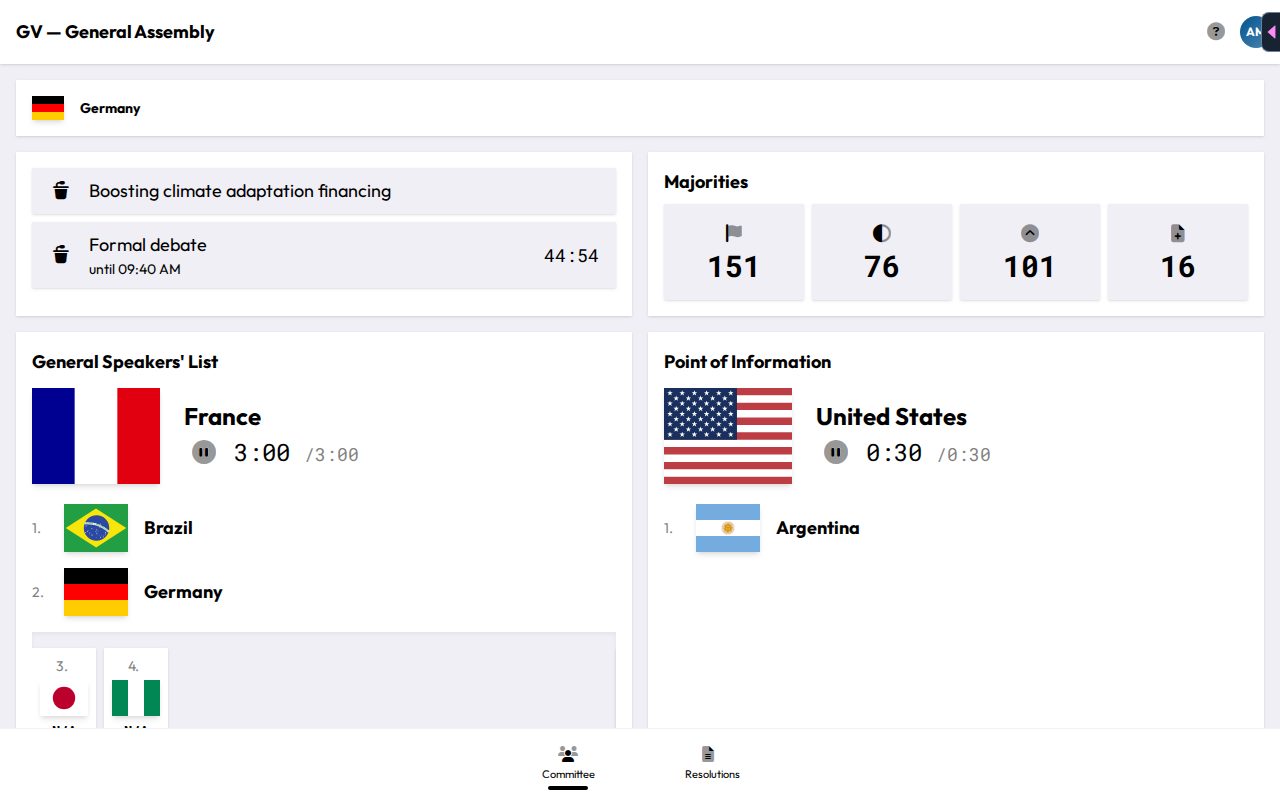
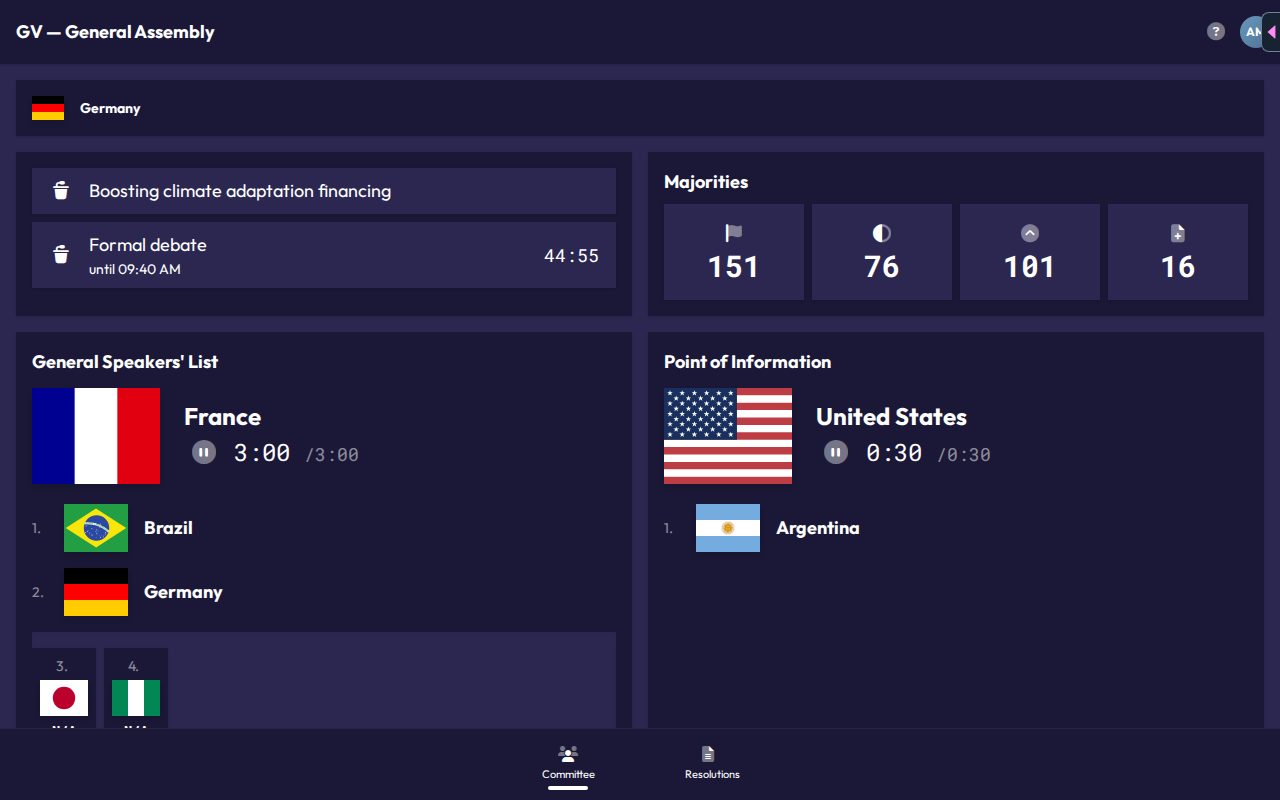
Each status can carry a headline (e.g. the caucus topic) and a countdown if the chair set a duration. Both are shown on your dashboard.
Agenda items
A committee can have multiple items on its agenda, but only one is active at a time. The active agenda item's title is shown on your dashboard and drives which speakers list, resolutions, and votes are currently relevant.
The shared presentation screen
Most committee rooms display a shared presentation view on a projector. You don't interact with it directly, but it's helpful to know what it shows, since it's the room's shared source of truth:
- The current speaker and their remaining time
- The speakers queue
- Regional group / bloc breakdowns, if enabled
- The active resolution (during resolution work) or roll call / voting results, depending on what the chair is running
If you're ever unsure what's currently happening, glance at the projector. It reflects the same live status your own dashboard shows.
Majorities at a glance
Your dashboard's Majorities card shows four numbers, based on who's currently marked present. Hover or tap a tile to see what it means.
- Count of Present Countries: how many delegations are marked present.
- Simple majority: the votes needed for more in favor than against.
- Two-thirds majority: the votes needed for a two-thirds majority.
- Amendment sponsors: how many supporting delegations an amendment needs before it can be submitted (see Amendments).
These numbers update automatically as delegates check in or leave, so they always reflect the room as it stands right now.