Sponsorship & Share Codes
Sponsoring a paper
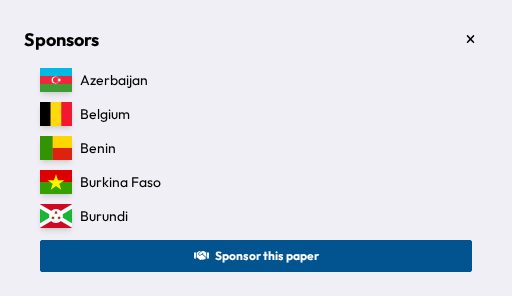
Once a paper is Submitted (or still a Working Paper you've been invited into), you can back it as a sponsor. Open the paper and click Sponsors to see who's already sponsoring it and add your own delegation via Sponsor this paper. If you change your mind, remove your sponsorship from the same panel. A sponsor count is shown wherever the paper appears in your committee's list, so delegates can gauge support at a glance.
Sponsoring needs a seat in the committee, so non-state actors can't sponsor papers.
Share codes
If you're the creator of a working paper, you can invite other delegates to help without needing the chair to add them manually, using Share Codes (available from the paper header while it's still a Working Paper):
- Edit code: lets whoever redeems it help write the paper alongside you.
- Sponsor code: lets whoever redeems it add their sponsorship to the paper.
Generate either from the Share Codes panel. Each appears as a short code you can send to the delegates you want to invite (e.g. via message or in person). A code keeps working for everyone you share it with until you delete it.
Redeeming a share code
If someone gives you a share code, go to your committee's papers list and enter it in the Enter share code field, then click Redeem. Codes aren't case-sensitive.
Redeeming either code also adds your delegation as a sponsor. An Edit code additionally lets you write in the paper, and the paper then shows up under My Papers.