AI Assistance
CHASE can optionally use AI to help with resolution work. As a chair, you'll run into it in two places:
- After accepting an amendment, if other submitted amendments change the same clause, CHASE suggests which of them are now likely obsolete and how the survivors could be reworded to fit the new text. You confirm or change every suggestion yourself.
- In the amendment queue, an optional AI ranking sorts pending text-change amendments by how significant their impact looks. It needs at least two submitted text changes.
The first time you open a paper as a chair, you'll see the AI Features prompt to choose how it runs:
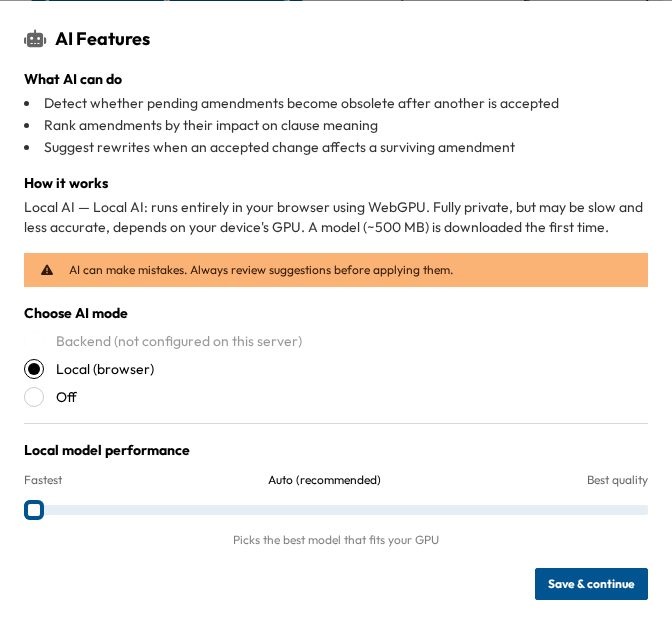
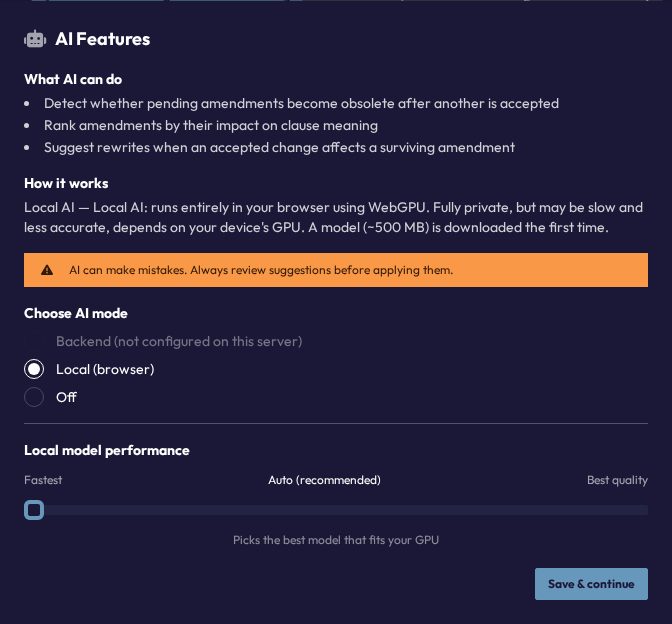
- Backend (recommended): the server does the work. Only available if your server has an AI provider configured, otherwise it shows "Backend (not configured on this server)".
- Local (browser): runs a model on your own device. It needs WebGPU, and you can pick the model under Local model performance (Auto (recommended), Fastest or Best quality).
- Off: no AI features.
You can change your choice any time with the AI Settings button (robot icon) in the header of a paper.
Important: this is a personal setting, not a conference setting
Delegates don't use AI features at all. These are chair-only tools for reviewing amendments. There is no conference- or committee-wide switch to turn them on or off. Each chair sets their own AI preference, and it's remembered on their own device. If you want AI assistance during amendment review, make sure you personally have it enabled.
Whether the Backend option is available is decided by whoever runs your CHASE server. If your conference wants AI features disabled organization-wide, raise it with your conference's technical organizers.