Conference Setup
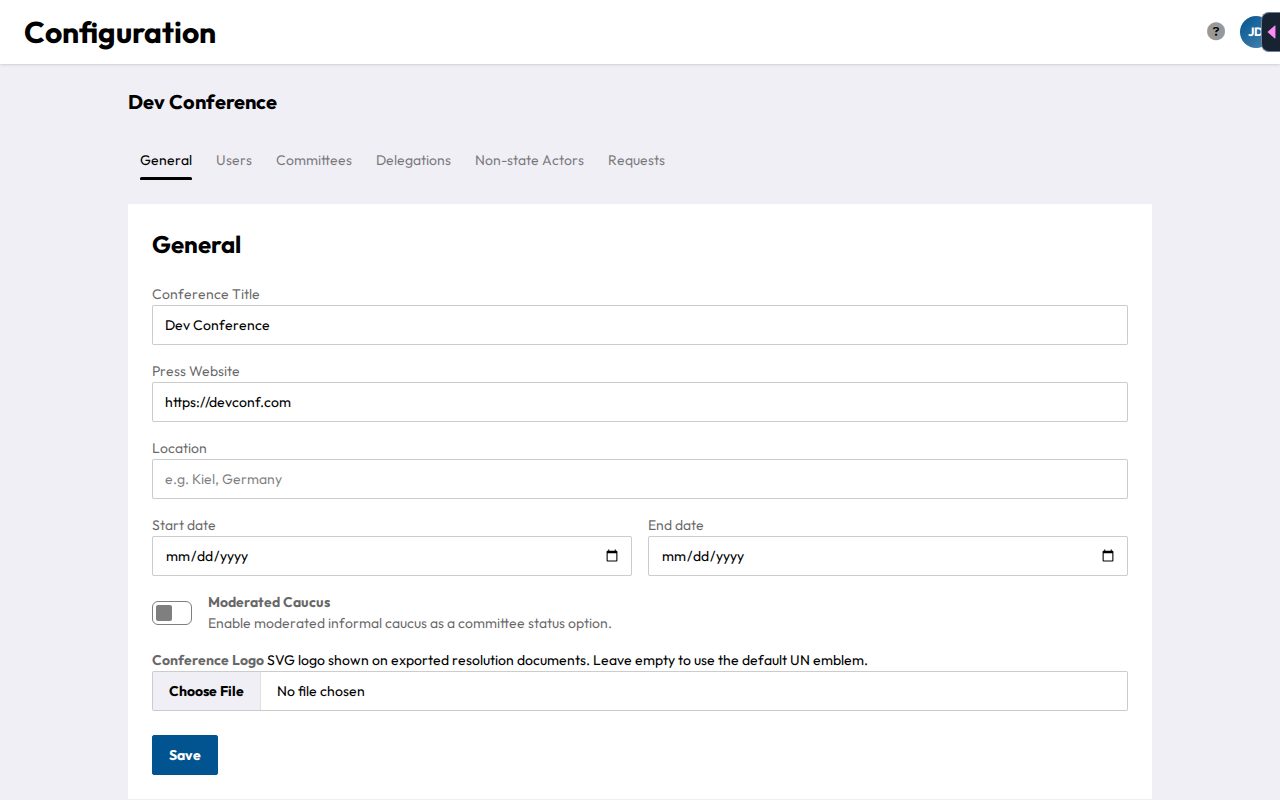
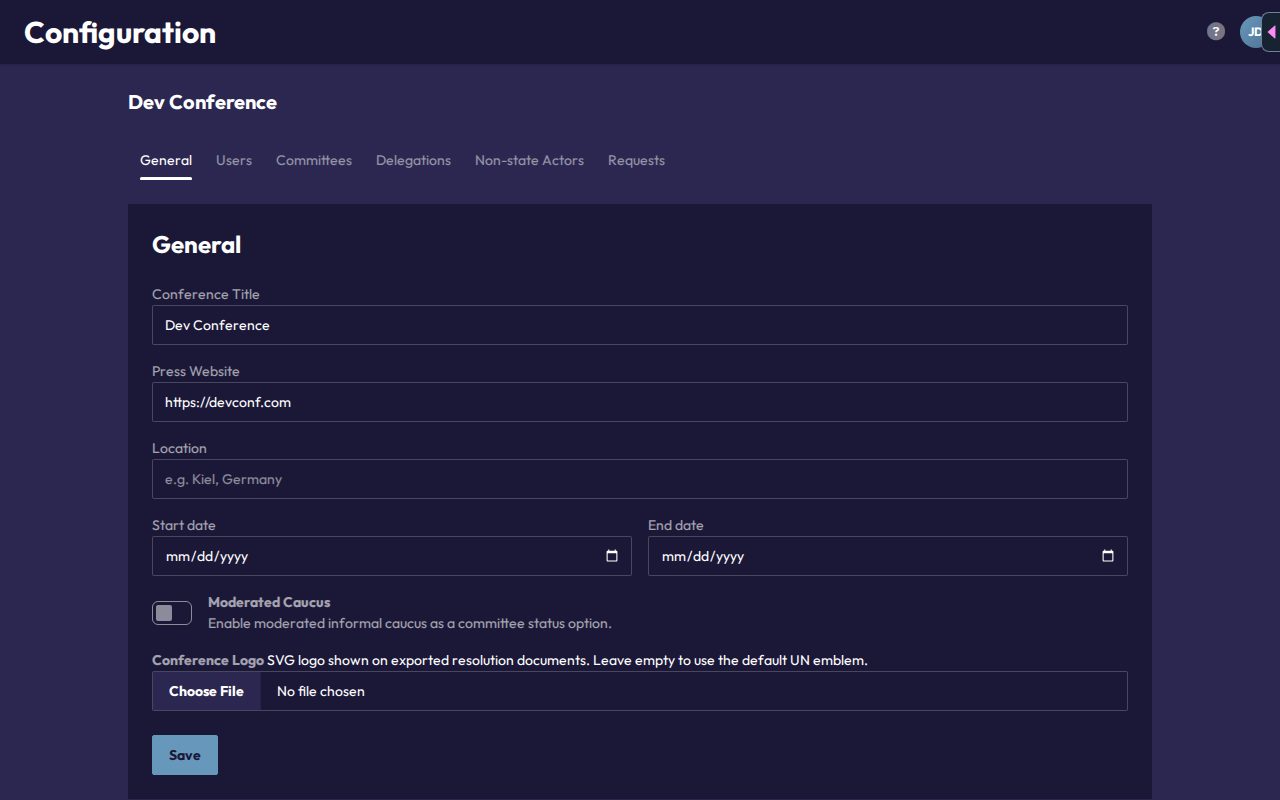
The General tab in Configuration covers everything that applies to the whole conference:
- Conference Title
- Press Website: an optional public URL for the conference.
- Location
- Start date / End date
- Moderated Caucus: toggle whether committees can use the Moderated Informal Caucus status. When off, chairs only get Formal Debate, Informal Caucus, Pause, and Suspension as status options.
- Conference Logo: upload an SVG (up to 512KB), shown with a live preview. The logo appears on exported resolution documents. Without one, CHASE uses the default UN emblem. Use Remove logo to take it out again.
Click Save to apply changes. There's no separate publish/draft state: changes take effect immediately.
Besides the Moderated Caucus toggle, the only other conference-wide feature settings are the request types on the Requests tab (see Requests). Whether a committee accepts requests is switched on by its chairs. There's no separate switch for the resolutions feature or AI assistance. Resolutions are available wherever a committee has papers, and AI assistance is a preference each user sets for themselves (see the chair docs' AI Assistance page).