NSA Management
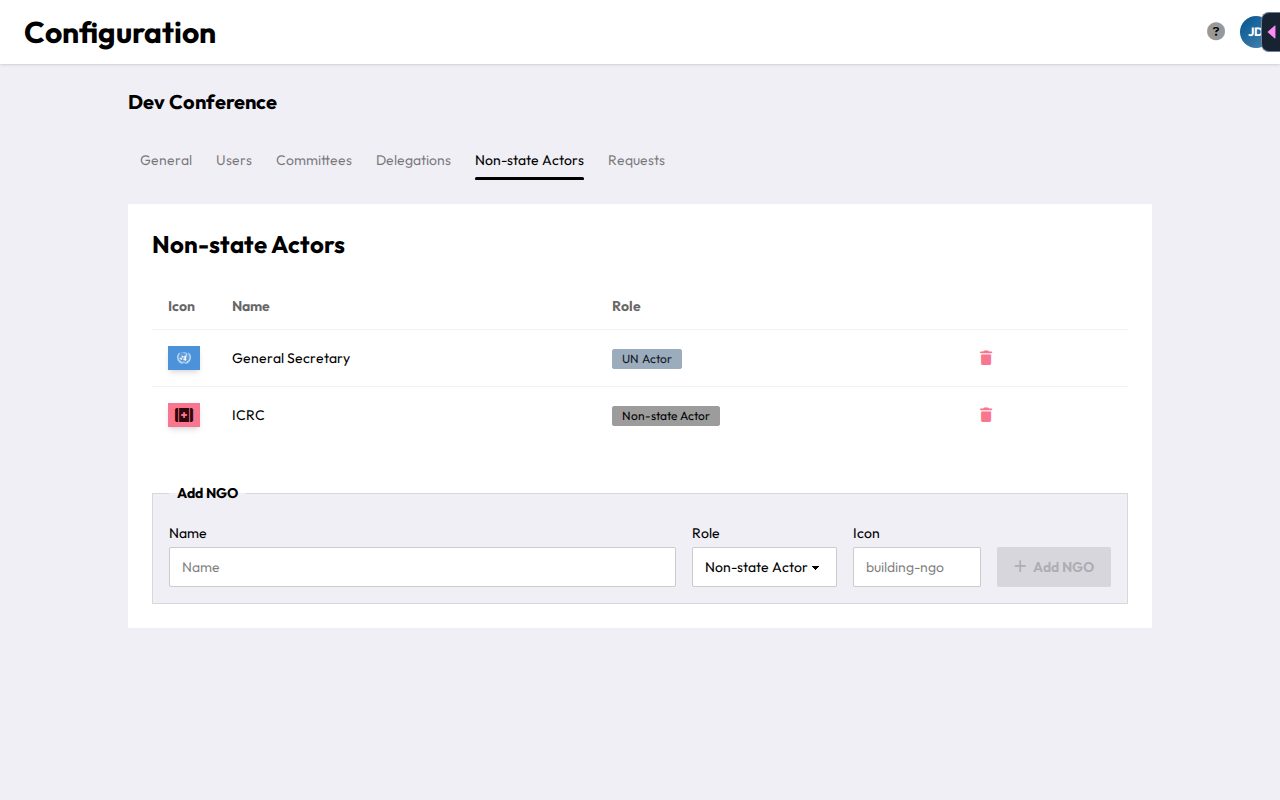
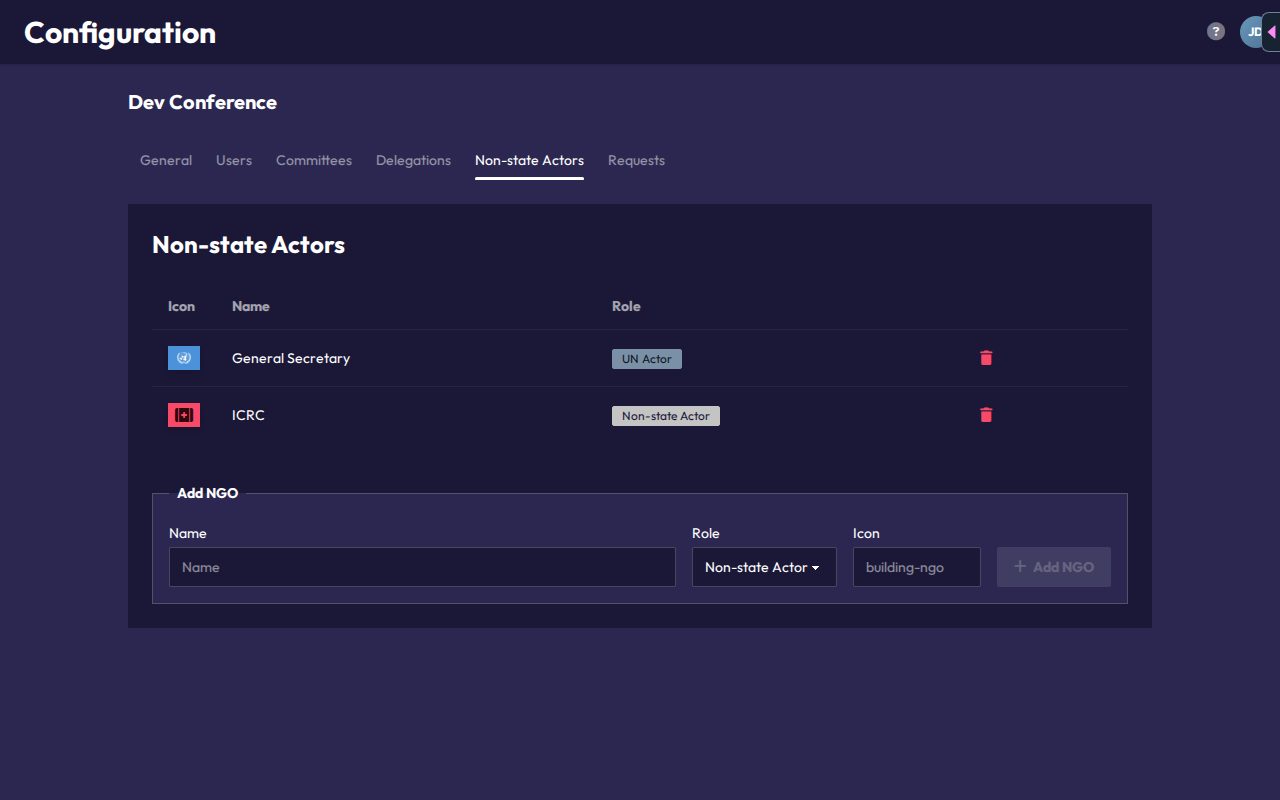
The Non-state Actors tab lists every NSA and UN actor registered for the conference, alongside their icon and role type.
To add one, fill in a Name, choose the Role (Non-state Actor or UN Actor), and optionally an Icon, a Font Awesome icon name such as building-ngo, to represent them visually instead of a flag. Click Add NGO to save.
Entries can't be edited. To change one, remove it with the trash icon (asks for confirmation) and add it again.
Unlike delegations, NSAs and UN actors aren't tied to a single committee. They're conference-wide, since the same person may move between committees during a conference.
People and attendance codes
To give someone access as an NSA, add them in Users & Roles with the Non-state Actor role and link them to the NSA. Each person with that role gets their own attendance code. Chairs scan it to check them in and out of whichever committee sessions they attend (see Roll Call & Attendance).
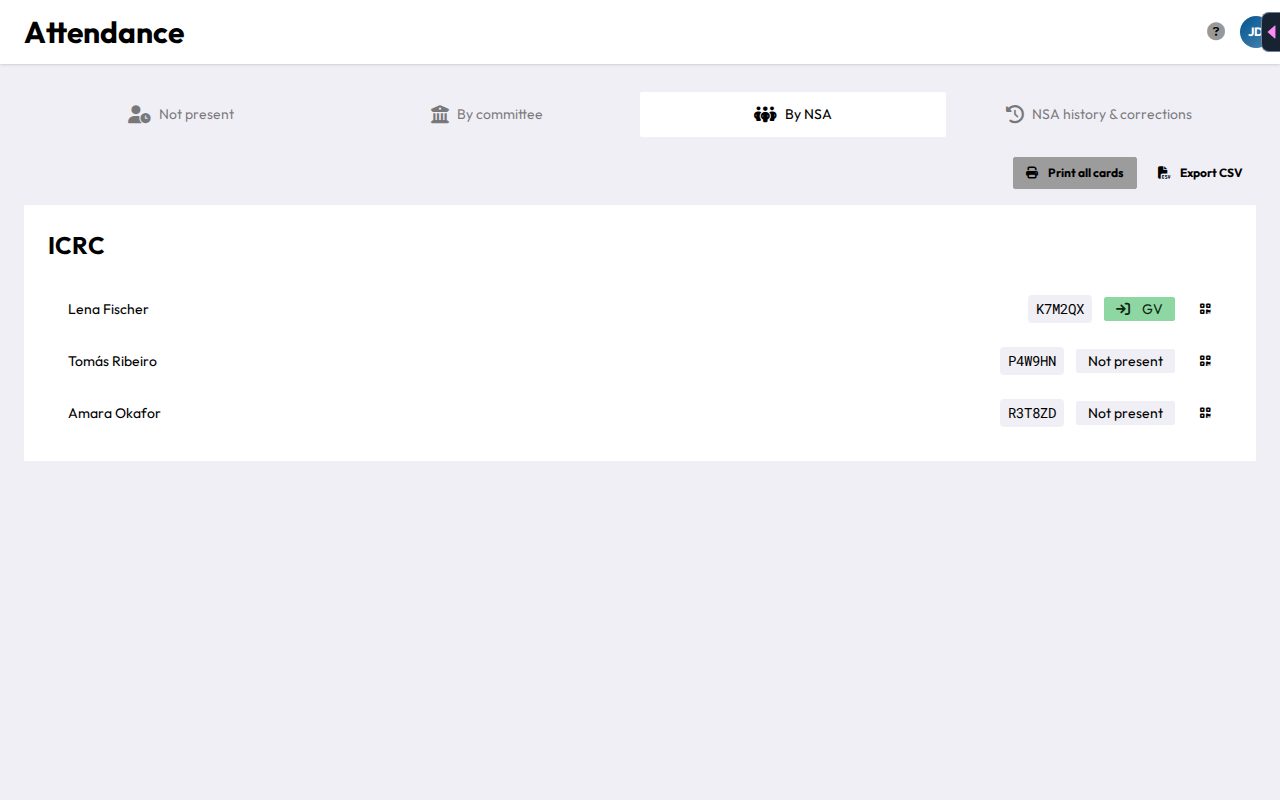
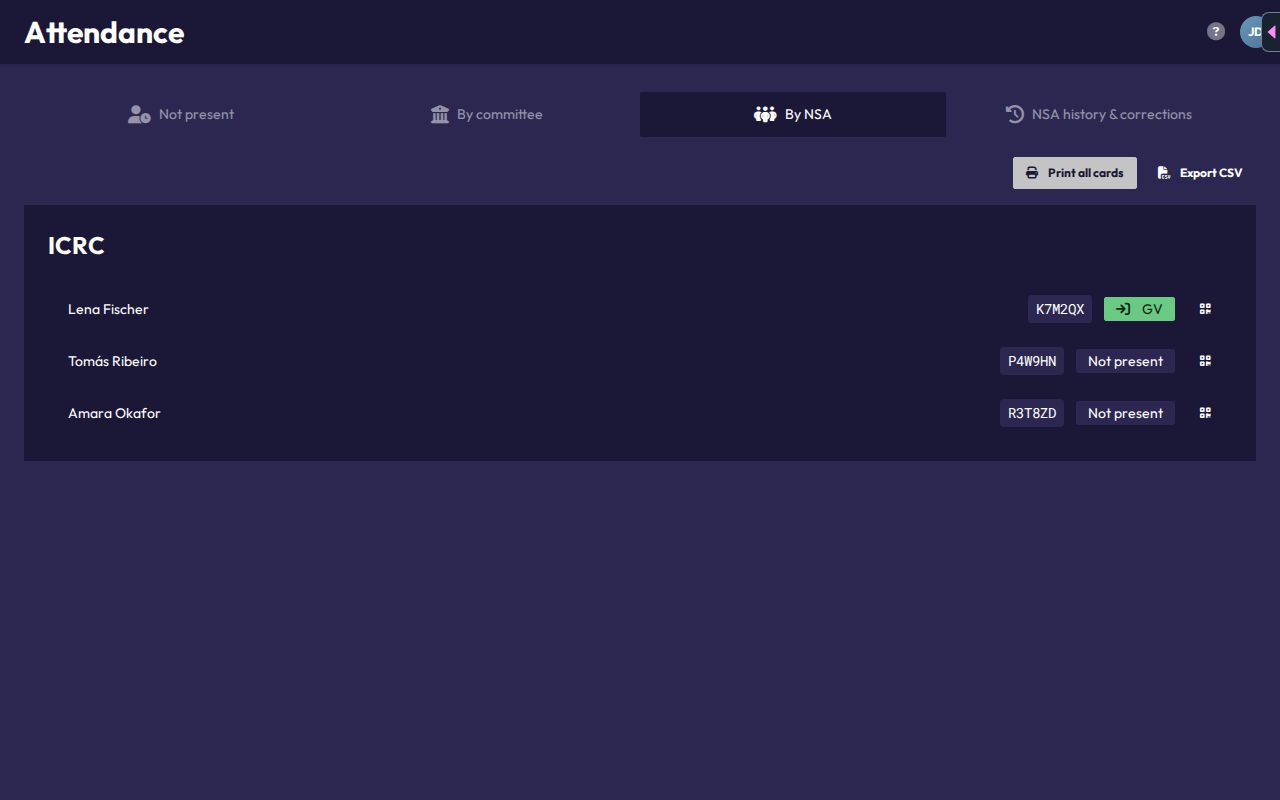
You print the badges from Attendance, tab By NSA. It lists every NSA person with their attendance code and current committee. Use QR card for a single badge, Print all cards for the whole set, or Export CSV for a list.