Conference-wide Attendance & Statistics
Two pages in the conference menu give Admins and Team Members a conference-wide (not per-committee) view. The chair guide covers them in detail, since the pages are the same for both roles.
Attendance
Attendance has four tabs:
- Not present: NSAs not checked in anywhere and absent delegates, grouped by committee. This tab opens first.
- By committee: presence per committee and live NSA check-ins, flagging anyone checked in for a long time without a checkout (a likely forgotten badge scan).
- By NSA: every NSA person with their attendance code and current committee, plus QR card, Print all cards and Export CSV. See NSA Management.
- NSA history & corrections: the full NSA check-in log with Add entry and an edit button per row for corrections.
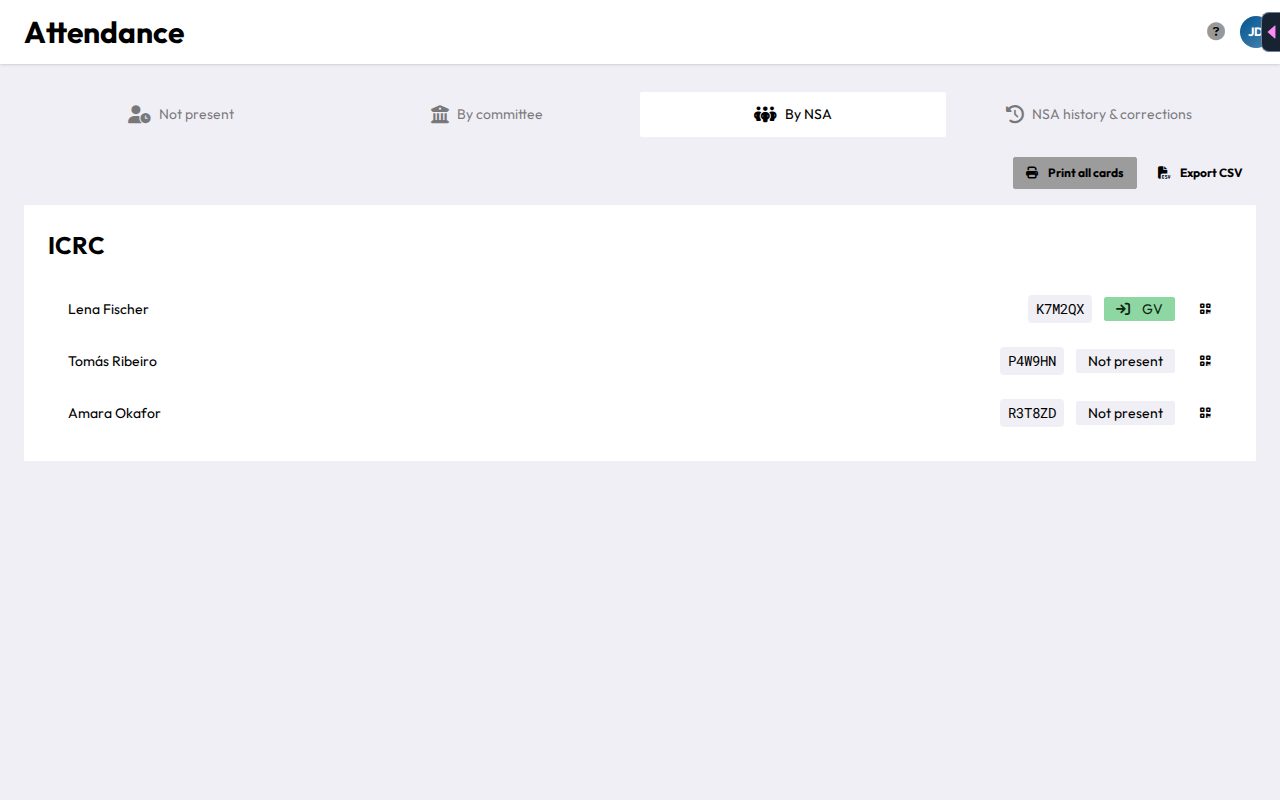
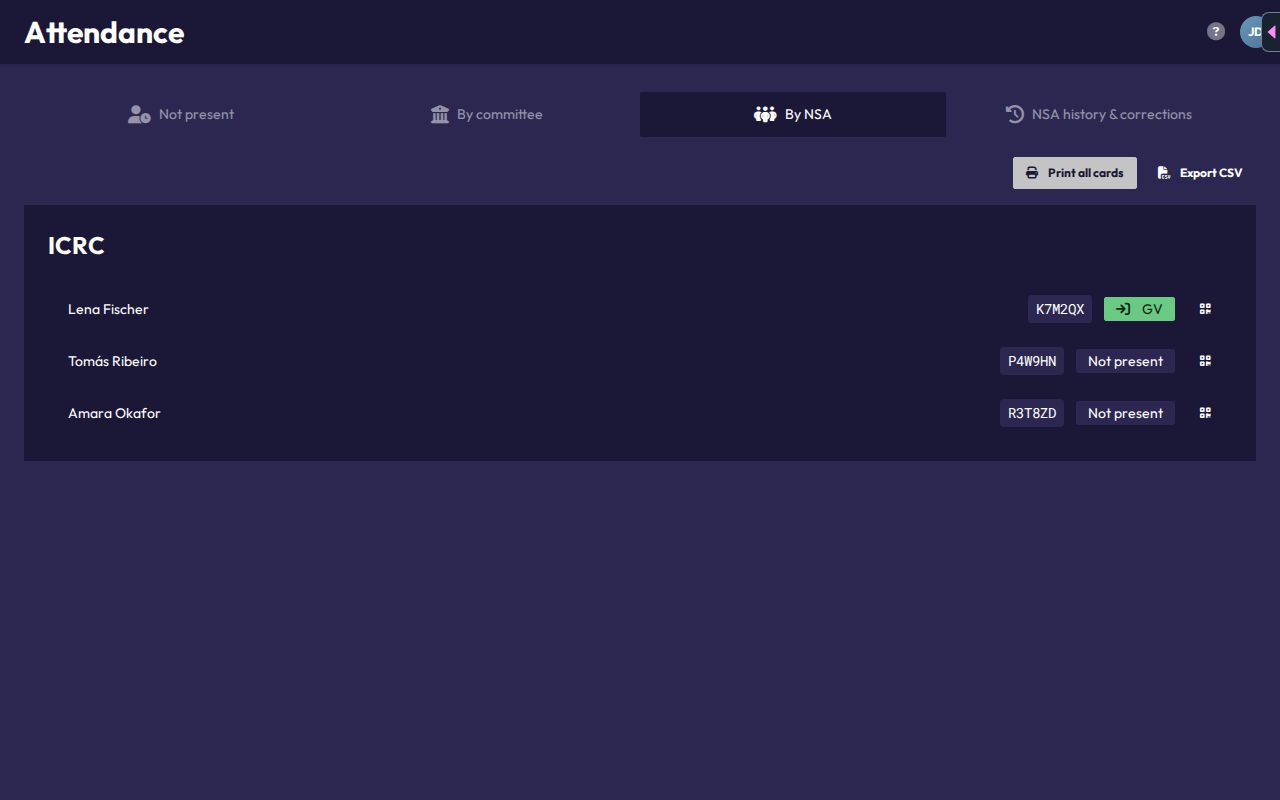
More in Roll Call & Attendance.
Statistics
Statistics shows attendance trends, presence charts, speaking/voting/amendment leaderboards, and the Gini fairness coefficient, across every committee in the conference. See Statistics.
Admins also find Presence data for MUNify Delegator at the top of the page. Download for MUNify Delegator exports attendance data as a JSON file you can import into MUNify DELEGATOR.
Attendance and Statistics aren't available in the offline demo conference.