Requests
With requests turned on, delegates and non-state actors send points and motions (for example a Right to Information or a Roll-Call Vote) to the chairs from their own device. You work through them on the Requests page.
Turning requests on
On the Set up page, set the Requests card to On. It is off by default and not available in the offline demo.
Once it is on, a Requests tab (hand icon) appears in the dock right after Voting. It takes Alt+5, and Resolutions moves to Alt+6.
When you turn it off again, the tab disappears, delegates lose their Requests card and new requests are refused. Resolve any open requests first, since delegates can no longer withdraw them once the card is gone.
Which requests exist
The list of request types is the same for the whole conference and is managed by Admins under Configuration, tab Requests. See Request types. Chairs can't change it.
- Load default set adds the 15 standard DMUN requests. Right to Information, Right to Restore Order, Right to Clarify a Misunderstanding, Roll-Call Vote and Informal Session are open to everyone. The other procedural motions are marked Delegates only.
- NSAs never see request types marked Delegates only.
- The order Admins give the types is the order requests are sorted in on your page.
Getting notified
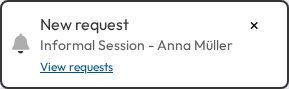
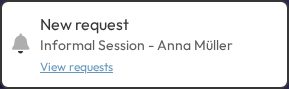
Every new request pops up a New request notice with the request name, who sent it, and a View requests link. It stays until you close it, and it closes by itself as soon as the request is resolved or withdrawn, by you or by another chair. Requests that were already waiting when you opened the committee don't pop up.
While anything is pending, the Requests dock icon shows a pulsing red dot.
Handling the queue
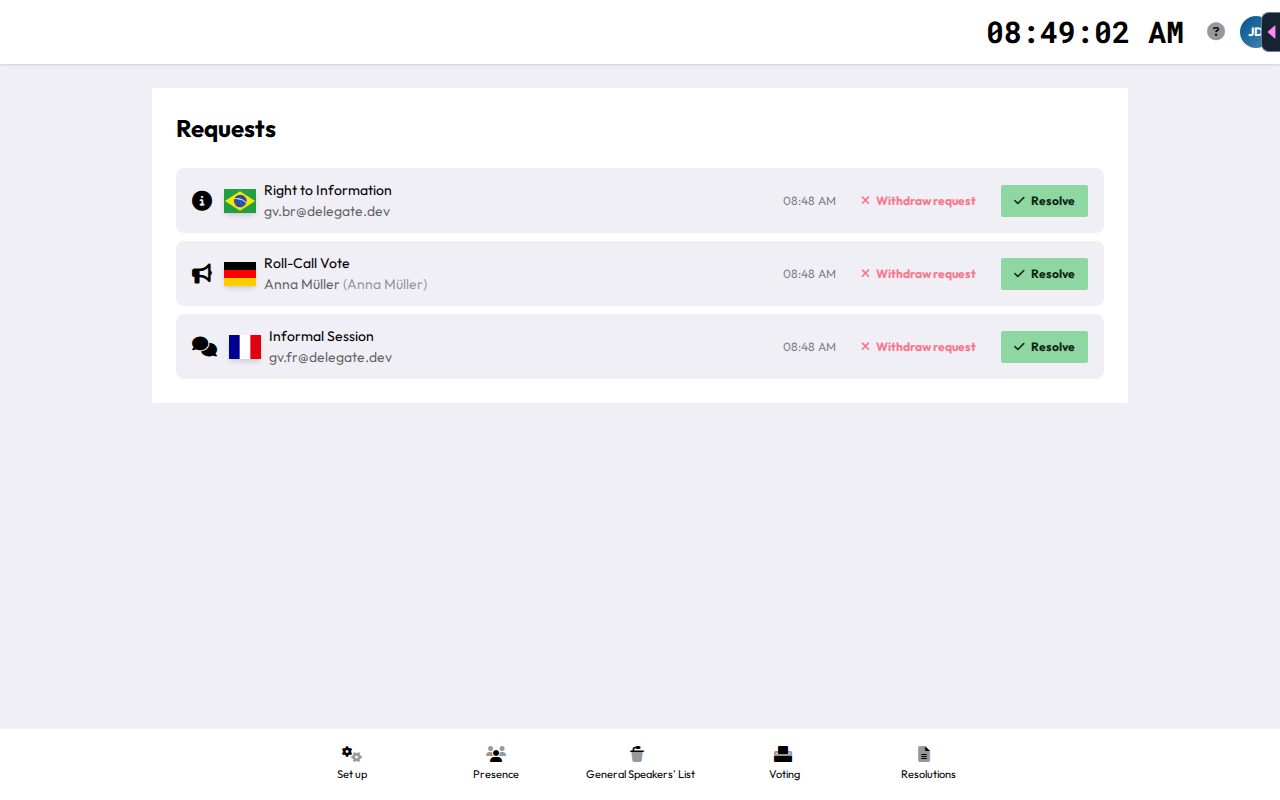
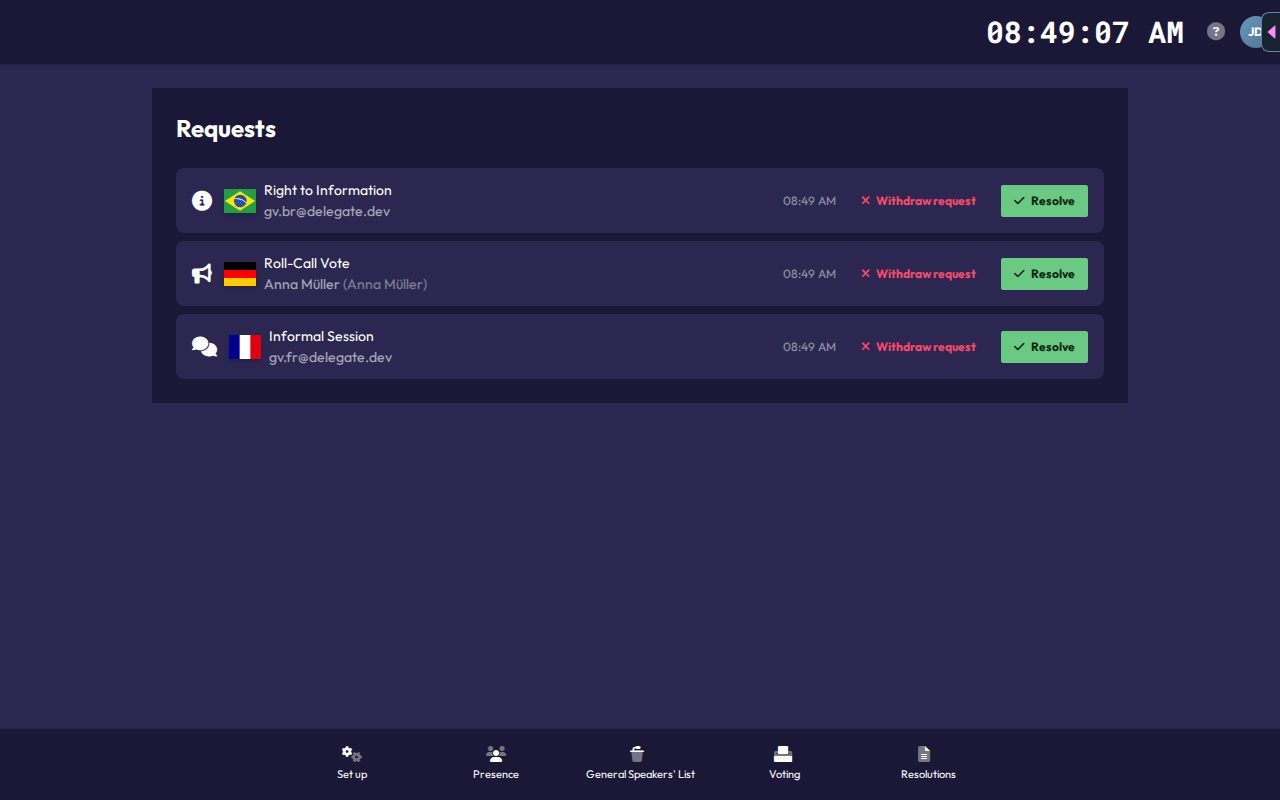
Each pending request shows its icon and name, the flag and name of the delegation or NSA (with the person's own name in brackets if it differs), and the time it was sent. The list is sorted by request type in the Admins' order, then oldest first.
- Resolve marks the request as handled.
- Withdraw request dismisses it on the sender's behalf, for example when the point is no longer relevant.
Both update live for every chair and for the sender. If nothing has come in yet, the page shows "No pending requests."
History
The N recent request(s) list below the queue shows the last 20 resolved or withdrawn requests, each with a Resolved or Withdrawn badge and the time.
What delegates see
Delegates and NSAs get a Requests card on their committee page with a Make a request button, a searchable list of request types and their own pending requests, each with a button to withdraw it. Each person can have one pending request per type at a time. Delegates can only send requests to their own committee, NSAs to any committee of the conference. Spectators can't send requests. Requests don't appear on the presentation screen.
See Requests for participants for their side.