Requests
With requests, delegates and NSAs can send points and motions (for example a Right to Information or a Roll-Call Vote) to the chairs from their own device. As an admin you decide which request types exist. The chairs of each committee decide whether their committee accepts requests at all.
The Requests tab
Open Configuration and switch to the Requests tab. Every request type is one row:
- Move up / Move down arrows set the order. Chairs see pending requests sorted in this order, so put the most urgent types at the top.
- Icon: a Font Awesome icon name, such as
fa-flag. - Name: what delegates see on the button.
- Enabled: switch a type off to hide it without deleting it.
- Delegates only: when on, NSAs can't file this request.
- The trash icon removes the type after a confirmation.
Changes are saved as soon as you edit a field.
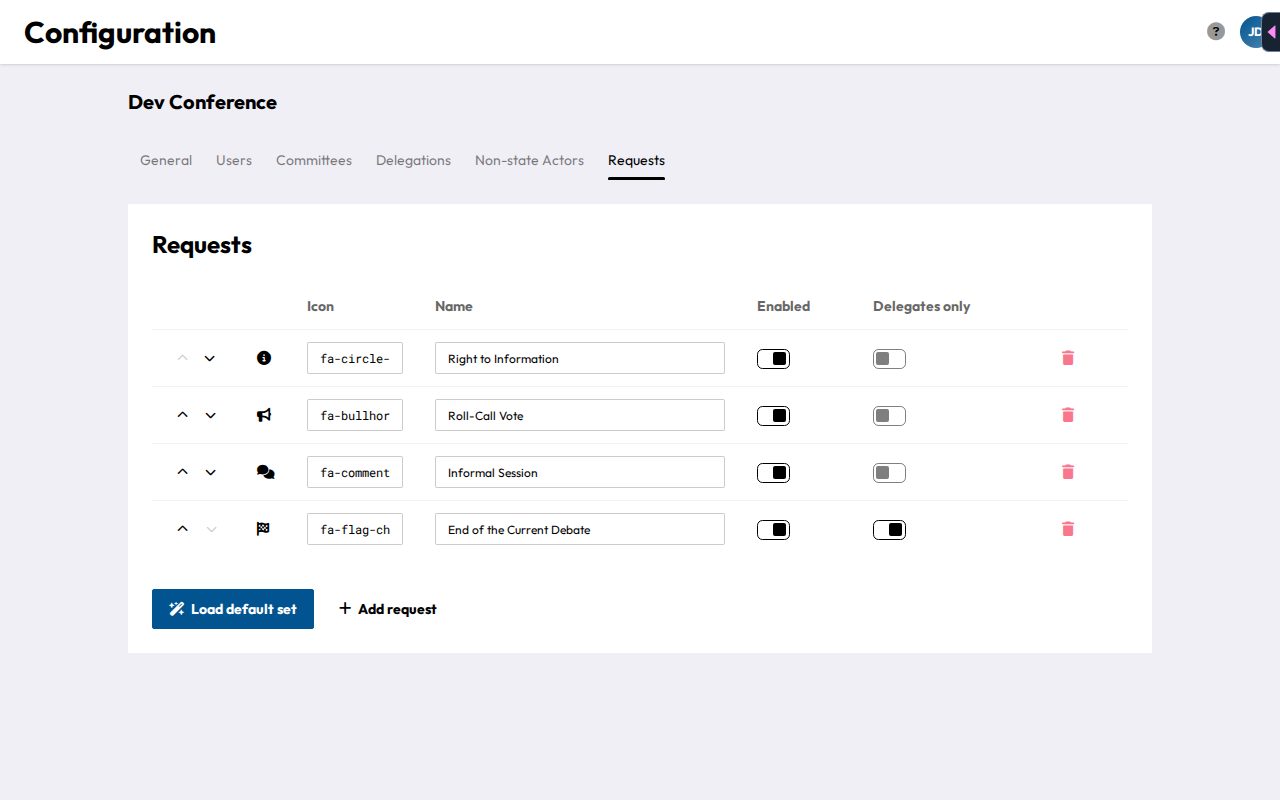
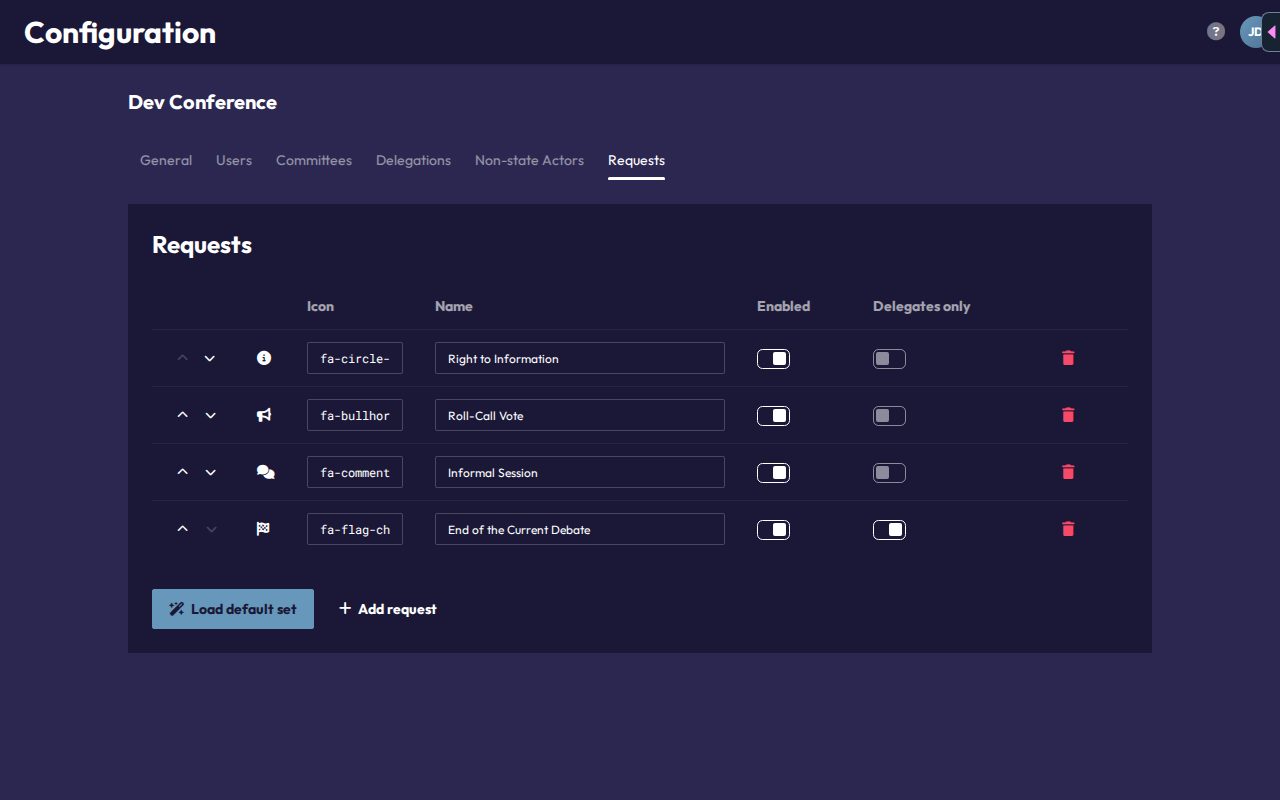
Two buttons sit below the table:
- Load default set adds DMUN's standard set of 15 request types. Personal rights, the Roll-Call Vote and the informal session are open to NSAs. All other procedural motions are set to Delegates only. Types with a name that already exists are skipped, so you can click it safely more than once. The names are created in the language you're using CHASE in.
- Add request adds an empty row with a flag icon for your own type.
You can also set up request types while creating a conference, in the Requests step of the import wizard.
Turning requests on in a committee
Requests are off in every committee by default. The chairs switch them on in their committee's setup page with the Requests setting (see Requests for chairs). Delegates and NSAs then find them in their committee view (see Requests for participants).
Good to know
- Each person can have only one pending request per type in a committee. Once it's resolved or withdrawn, they can send it again.
- Delegates can only send requests to the committee they sit in. NSAs can send them to any committee.
- Only Admins can change request types.